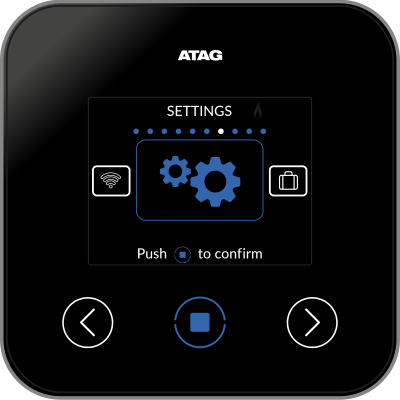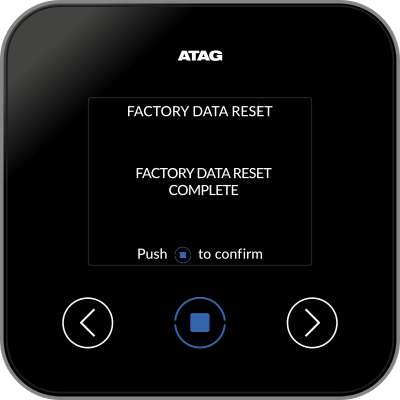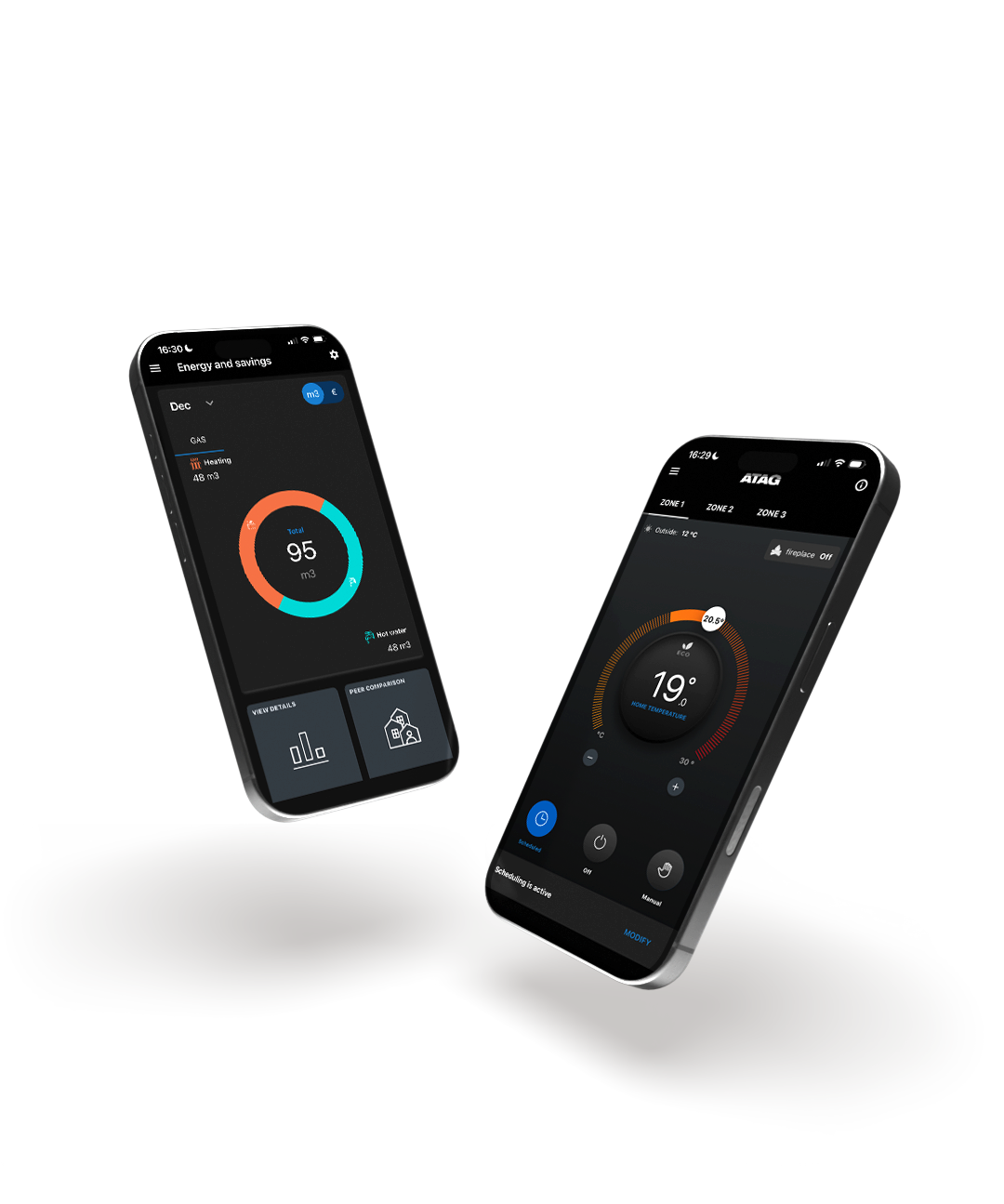
Go to SETTINGS on the controller. Press the centre button to open the menu and scroll right using the arrow until the settings option appears. Push the centre button to confirm.
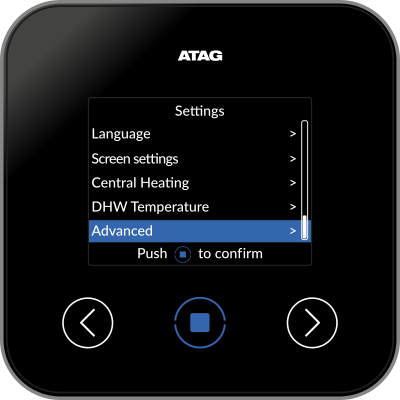
Select Advanced.
Select Factory data reset.
Followed by YES to confirm reset.
The factory data reset complete message will appear and the device will return to the splash screen enabling you to restart the process from the beginning.
Password reset
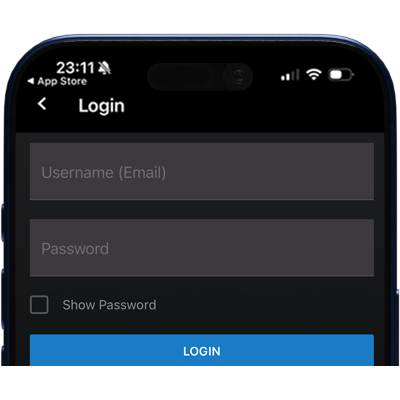
To reset your password please click the 'did you forget your password' link on the login page (check the junk folder if you don't see the new password email in your inbox).